Listener page refresh
A cleaner, bolder layout is here with the player, schedule, and sleep timer together in one place.

We are always 24/7 with the best hits.
A cleaner, bolder layout is here with the player, schedule, and sleep timer together in one place.
Press play on the left to begin listening. Use the volume slider for quick control.
Loading…
Fresh updates from LOVE Radio.
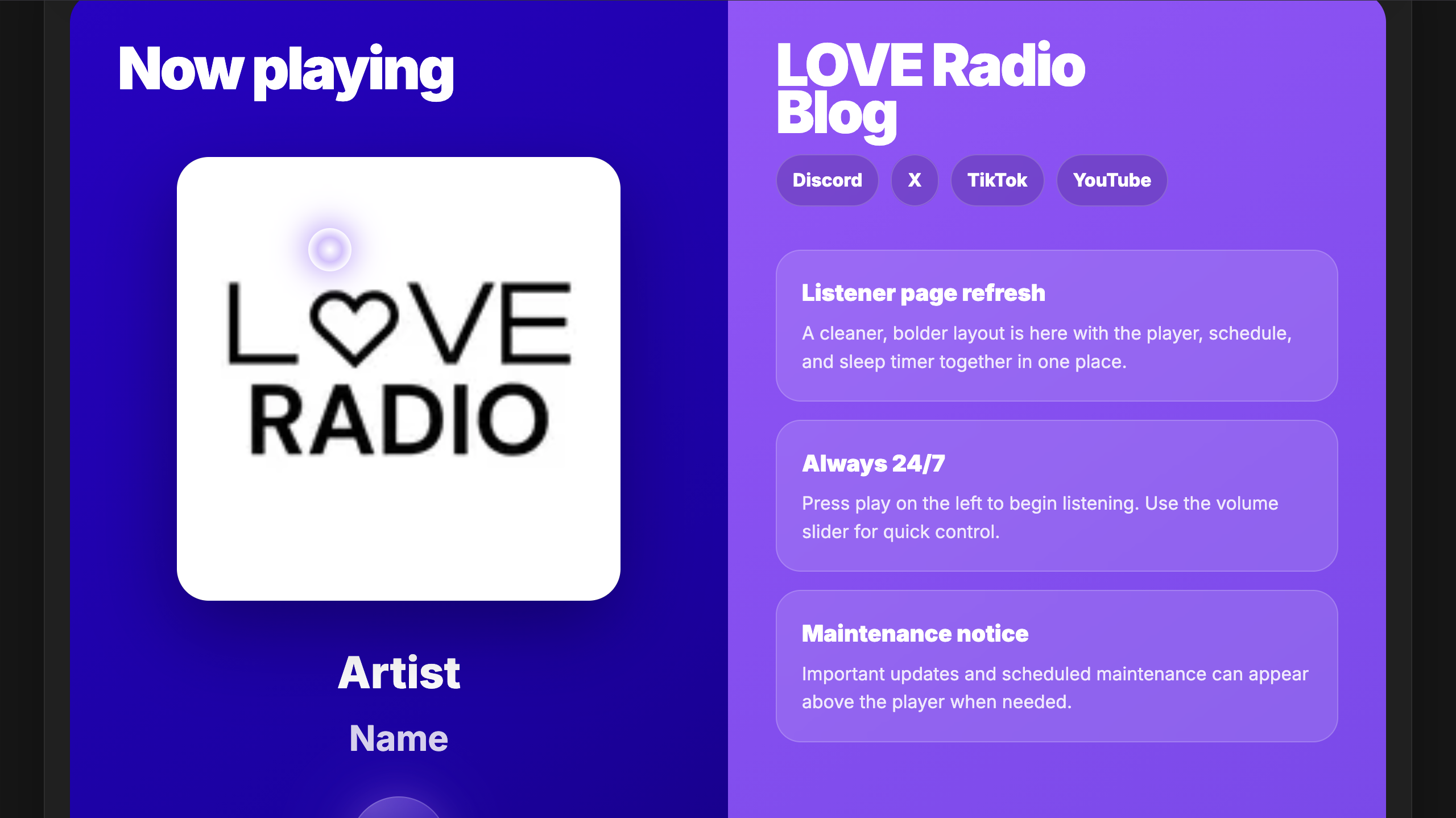
- Revamped listener page: Added Metadata & Blog
- Removed Talkback
- Revamped listener page: Added Metadata & Blog
- Removed Talkback
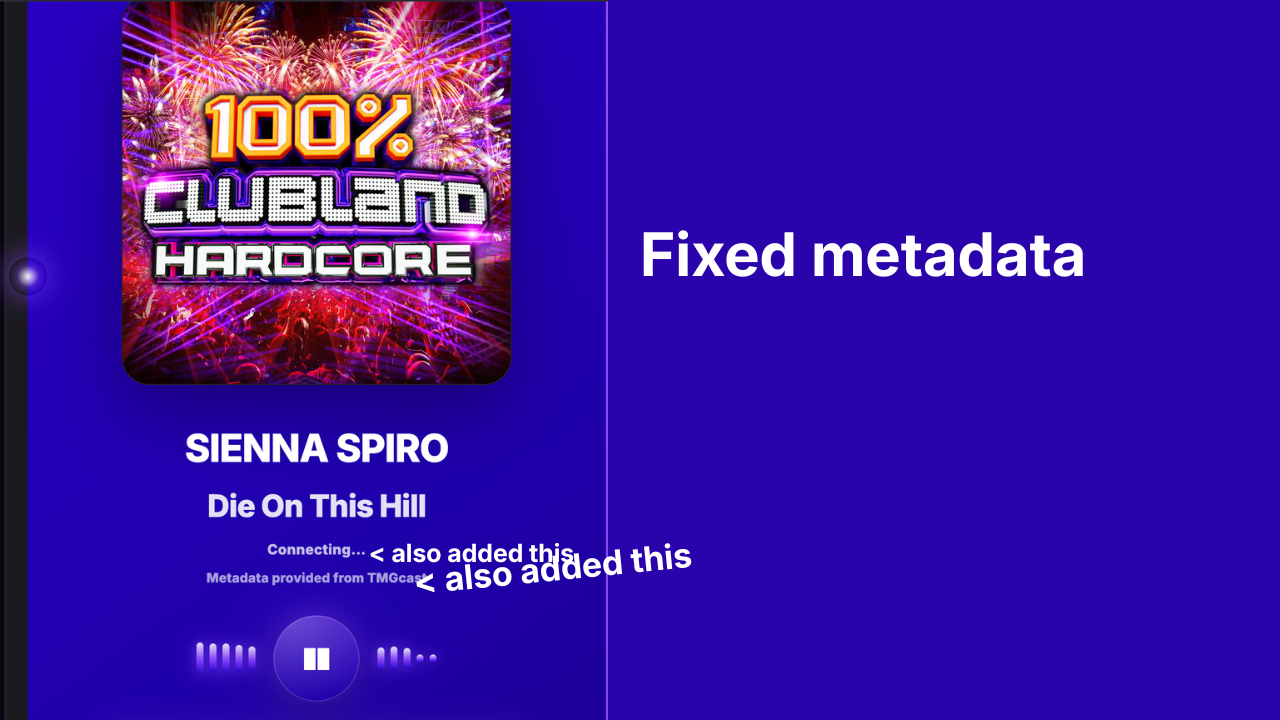
- Added "Contributions" on bottom of page.
- Fixed Metadata.
- Added "Contributions" on bottom of page.
- Fixed Metadata.
- Added New Header.
- Added Keyboard Shortcuts.
- Added Version Number on bottom of page.
- Added New Header.
- Added Keyboard Shortcuts.
- Added Version Number on bottom of page.
- Added Request Tab.
- Added new tips!
- Updated Buttons & Icons.
- Updated Schedule.
- Updated design across Listener-In Page "Added Glassmorphic UI, updated menus".
- Updated Buttons & Icons.
- Updated Schedule.
- Changed Background from "Vanta Birds" to "Vanta Halo".
- Fixed MP3 Bug (refused to play).
- Fixed Sleep Timer.
- Added Favicon.
- Fixed MP3 Bug (refused to play).
- Fixed Sleep Timer.
- Added Favicon.
- Sleep timer now shows progress bar
- Audio auto-reconnects on network drop
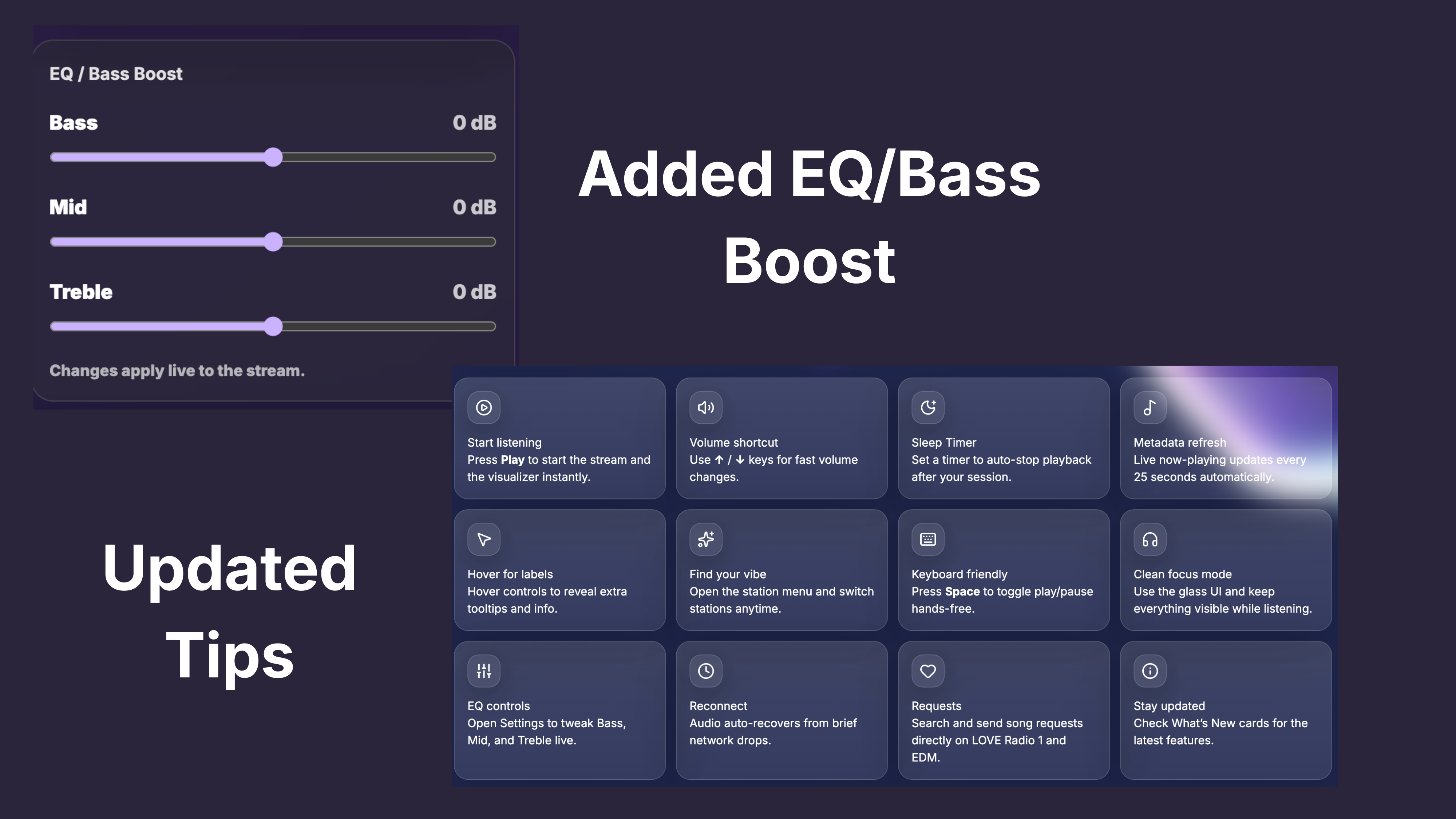
- Added live-working EQ (bass/mid/treble) sliders with Web Audio filters inside Settings.
- Expanded tips grid to 12 nicer cards with fresh icons and clearer advice.
- Expanded tips grid to 12 nicer cards with fresh icons and clearer advice.
- Changed background from "Vanta Halo" to "Vanta Fog".
- Added shadow to texts.
- Added anti view source. (May work, may not work.)
- Changed background from "Vanta Halo" to "Vanta Fog".
- Added shadow to texts.
- Added anti view source. (May work, may not work.)
Quick ways to get more from the listener page.
Press Play to start the stream and the visualizer instantly.
Use ↑ / ↓ keys for fast volume changes.
Set a timer to auto-stop playback after your session.
Live now-playing updates every 25 seconds automatically.
Hover controls to reveal extra tooltips and info.
Open the station menu and switch stations anytime.
Press Space to toggle play/pause hands-free.
Use the glass UI and keep everything visible while listening.
Open Settings to tweak Bass, Mid, and Treble live to find your vibe.
Audio auto-recovers from brief network drops.
Search and send song requests directly on LOVE Radio 1 and EDM.
Check What’s New cards for the latest features and past updates.